


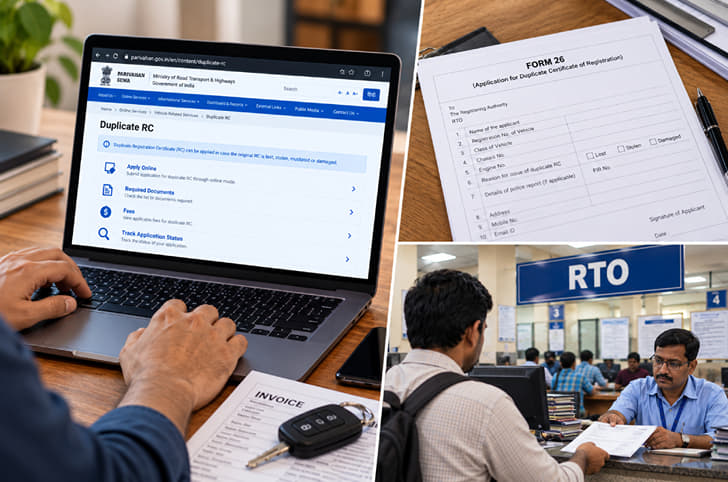
A vehicle’s Registration Certificate (RC) is an official document that records its registration with the Regional Transport Office (RTO). If the original RC is lost, stolen or damaged, owners can apply for a duplicate instead of registering the vehicle again.
The application can be started online through the government’s Parivahan Sewa portal. Depending on the state and RTO, applicants may also need to submit physical documents or visit the RTO for verification. Here’s how to apply for a duplicate RC and what to keep ready.
When do you need a duplicate RC?
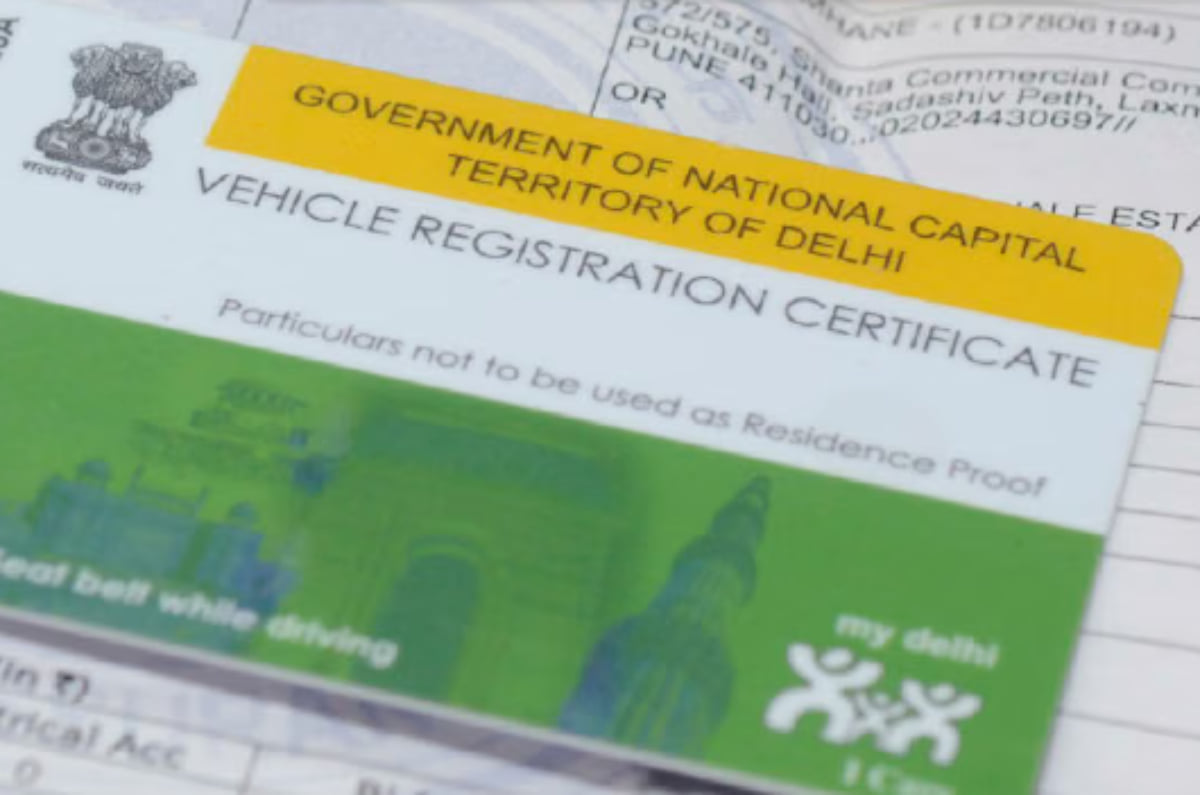
You can apply for a duplicate RC if the original certificate has been lost, stolen or damaged to the point that its details are no longer legible. The duplicate replaces the existing certificate; it does not change the vehicle’s registration number.
If the original is damaged, keep it ready to surrender if the RTO requires it. If it is lost or stolen, report the incident to the police and retain the relevant report for the application.
A duplicate RC is different from an RC renewal, which is required when the registration expires.
What documents are required for a duplicate RC?
The main application form is Form 26, which is used to request a duplicate Registration Certificate. Depending on the circumstances and the requirements of the relevant RTO, applicants may need the following documents:
- Form 26: The application for a duplicate RC.
- Police report or FIR: For a lost or stolen RC, as applicable.
- Valid motor insurance: Proof of current vehicle insurance.
- Valid PUC certificate: The vehicle’s Pollution Under Control certificate.
- Identity and address proof: Such as an Aadhaar card, PAN card or another accepted document.
- Affidavit or declaration: If required by the registering authority.
- Chassis number imprint: A pencil impression may be required.
- Financier’s NOC: If the vehicle is under an active loan or has a hypothecation entry on its RC.
Disclamer: Requirements can vary by state, RTO and vehicle category. Check the applicable document list before submitting the application.
How to apply for a duplicate RC online
Owners can start the application through the Parivahan Sewa portal. The steps may differ slightly depending on the state and the services available for the vehicle.
Step 1: Visit the Parivahan Sewa portal
Go to parivahan.gov.in and open the vehicle-related services section. Select the state in which the vehicle is registered.
Step 2: Enter the vehicle details
Open the relevant vehicle services page and enter the vehicle’s registration number. The portal may ask for the last five digits of the chassis number and OTP verification.
Step 3: Select the duplicate RC service
Choose ‘Duplicate RC’ or the corresponding duplicate Registration Certificate service from the available options.
Step 4: Fill in the application
Enter the requested details and check that the vehicle and owner information is correct. Provide the reason for requesting a duplicate, where prompted.
Step 5: Submit the documents
Upload the required documents if the portal provides that option. Keep the police report or FIR ready for a lost or stolen RC, along with the insurance and PUC certificates and any other documents requested by the RTO.
Step 6: Pay the applicable fee
Review the fee displayed on the portal and complete the payment. Save the receipt and application number for future reference.
Step 7: Complete verification, if required
Depending on the state’s process, the RTO may require physical document submission or an appointment for verification. Follow the instructions shown after submitting the application.
Step 8: Track the application
Use the application number or the relevant status service on Parivahan to check the progress of the request. Once approved, the duplicate RC is processed according to the applicable procedure.
Can you apply for a duplicate RC offline?
Yes. You can apply for a duplicate RC through the RTO where the vehicle is registered. Submit Form 26 along with the required documents, pay the applicable fee and retain the acknowledgement receipt. The RTO may ask for additional documents or verification, depending on the vehicle and the reason for the application.
How much does a duplicate RC cost?
The fee depends on the vehicle category and the applicable charges. Additional amounts may apply for smart card issuance and other services.
The Parivahan portal displays the payable amount during the application process. Check the amount shown for your vehicle and confirm any additional charges with the relevant RTO before making the payment.
How long does it take to get a duplicate RC?
The processing time depends on the RTO, document verification and whether a physical visit is required. Applicants can track the request online using the application number and follow up with the registering authority if there is a delay.
Can you drive if your physical RC is lost?
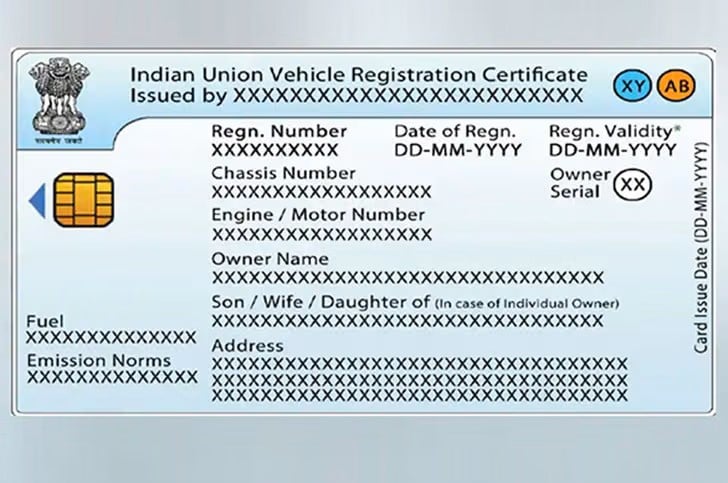
If your physical RC is lost, a virtual RC available through DigiLocker or the mParivahan app is recognised as a valid document under government rules. You should still apply for a duplicate if the original has been lost, stolen or damaged beyond use.
A police report or application acknowledgement alone does not replace the RC.
What happens if you find the original RC after getting a duplicate?
Once a duplicate RC has been issued, the original should no longer be used. If you find it later, surrender it to the registering authority. The duplicate replaces the original certificate, but the vehicle’s registration number remains unchanged.

 Uday Singh

 Dipan Sur


 Glenn Noronha